
Laptop Motherboard Repair in Baku
Laptop motherboard repair in Baku — circuit board repair on notebook and desktop boards: no charge, black screen, short circuits, GPU reballing and DC-jack restoration at component level.
Order
Send the make and model and describe the fault briefly. A video helps most — film the fault. Clear photos of the board help too.
Laptop and desktop motherboard repair — circuit board repair at component level. Short-circuit diagnostics, MOSFET, chip and connector replacement, DC-jack restoration, BIOS/EC programming and GPU reballing (Nvidia, AMD).
How we work
Not every device can be repaired
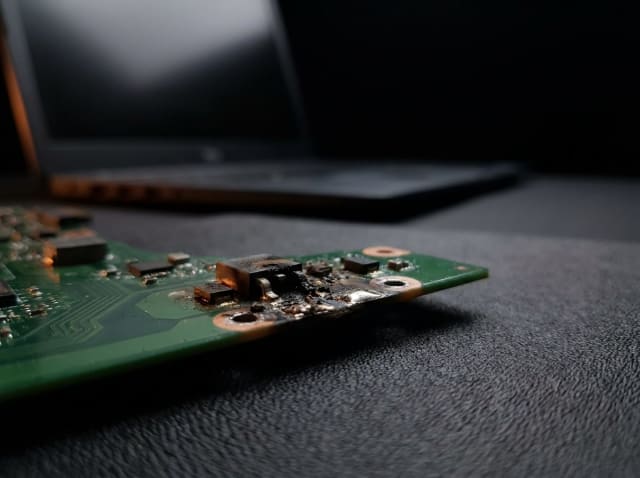
Sometimes restoration is not possible: the chip is discontinued and no spare can be sourced, no donor board is available, the board is severely damaged by fire or liquid, or earlier repair attempts have left it beyond recovery. In such cases we explain the situation plainly and, where possible, suggest an alternative.
Laptop motherboard repair is one of the areas we handle most. A machine that will not charge, powers on with a black screen, or overheats and shuts itself down is in the great majority of cases a single failed component on the board — not a reason to replace the whole motherboard.
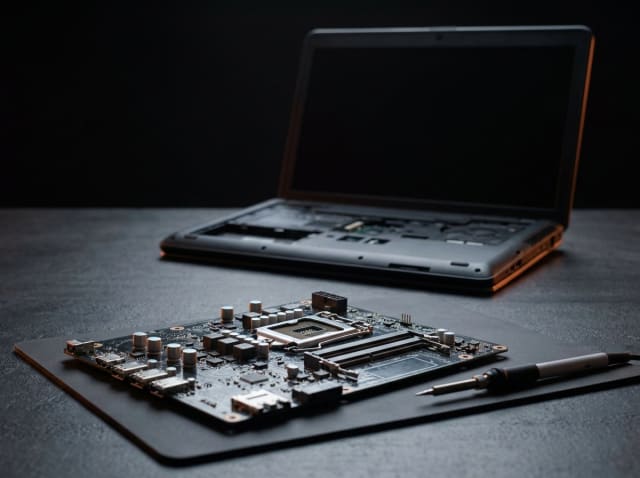
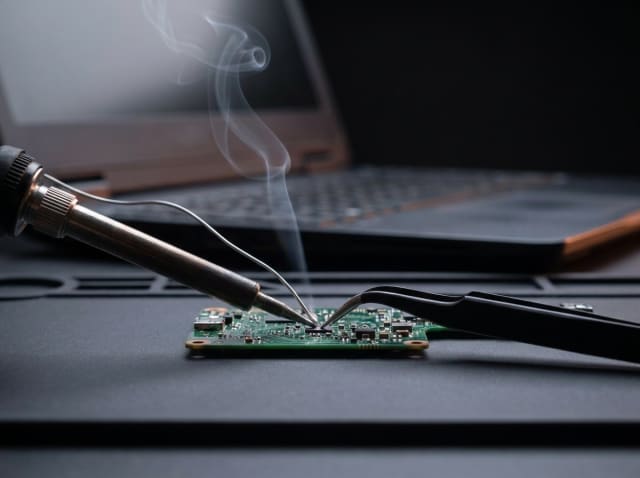
We work under a microscope — instead of swapping the whole board we do circuit board repair: measuring the power rails in sequence, locating the short, and replacing the failed MOSFET, chip or connector. We handle Dell, HP, Lenovo, ASUS, Acer and MacBook logic boards. Where the graphics chip has a cold solder joint, BGA reballing is carried out.
A torn-off DC-jack, a liquid spill and corrupted BIOS/EC memory are the other cases we see constantly. When the jack tears away it usually lifts the solder pads with it — we rebuild those. With liquid, time is decisive: brought in without being powered on, the chance of recovery is far higher.
Devices we repair
Common faults we repair
- Not charging, battery not detected
- Powers on, screen stays black (no display)
- Will not start, no lights at all
- Overheats and shuts itself down
- The DC-jack is torn loose and wobbles
- Liquid has been spilled on it
- Artefacts, banding or colour distortion on screen
- USB, HDMI and Type-C ports are dead
- Keyboard or trackpad unresponsive
- The battery charges but drains quickly
- BIOS password or corrupted firmware
- The fan runs at full speed, the system throttles
Typical causes of failure
- A short on the charging rail (usually a punctured MOSFET or capacitor)
- Corrosion and leakage paths after a liquid spill
- Micro-cracks in the solder under the graphics chip
- Charging connector torn away mechanically, lifting the solder pads
- Corrupted BIOS or EC memory
- Persistent overheating from dust and dried thermal paste
- A voltage surge from a poor-quality or mismatched adapter
- Lifted traces and bridged pads from an earlier unskilled repair
Brands and platforms we work with
How the repair works
- 01
Enquiry and first contact
Tell us about the fault on WhatsApp or Telegram. We review what you send and let you know whether the device fits the work we take on.
- 02
Acceptance and diagnostics
If we can take the device on, we confirm it in advance — do not ship it before you have our confirmation. Once it reaches the lab, diagnostics are completed within 48 hours (two working days).
- 03
Estimate and approval
You receive a report covering the cause of the fault, the estimated cost, spare-part availability and the timeline. Work begins only after you approve it.
- 04
Testing and handover
After the repair the device runs a minimum 24-hour load test. Once it proves stable in normal operation, we report the result and hand it over.
Diagnostics and pricing
Diagnostics is paid work — 10–50 AZN depending on the complexity of the board. If you have us carry out the repair, that amount is deducted from the final price. An exact repair price is given only after diagnostics and is agreed with you before any work starts.
More about the diagnostic feeFrequently asked questions
Other repair areas
Request a repair
Message us on WhatsApp or Telegram with the BRAND and MODEL of the device and describe the fault in as much detail as you can. A VIDEO helps most: record the fault and explain in your own words what happens. Also send clear photos of the device and, if accessible, of the circuit board from several angles. The more detail you provide, the faster and more accurate our answer.