
PLC and HMI Repair in Baku
PLC and HMI repair in Baku — circuit board repair for industrial controllers, operator panels and panel PCs: control unit will not start, burnt I/O channel, lost Modbus/RS-485 communication.
Order
Send the make and model and describe the fault briefly. A video helps most — film the fault. Clear photos of the board help too.
Electronics repair for PLCs, HMI operator panels, panel PCs and industrial controllers. Siemens, Delta, Schneider, Omron, Allen-Bradley, Mitsubishi. Component-level circuit board repair: I/O channels, power stages, communication drivers and touch screen replacement.
How we work
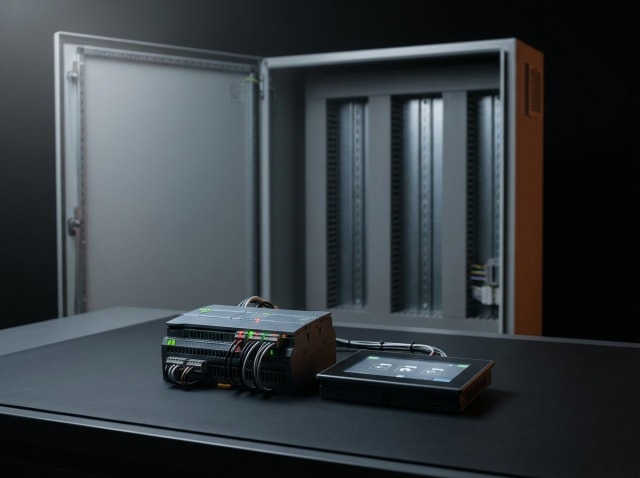
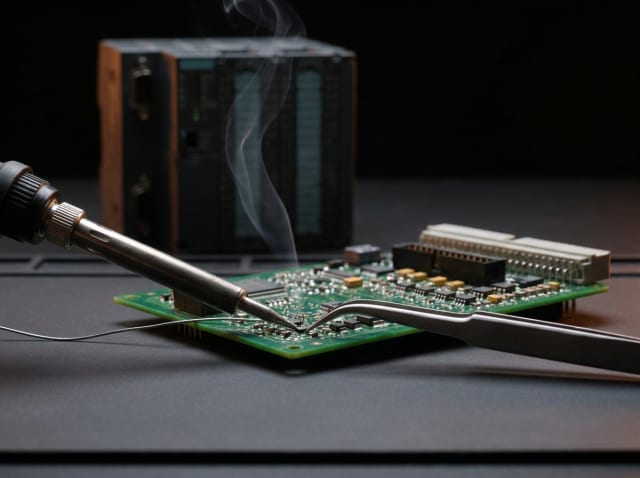
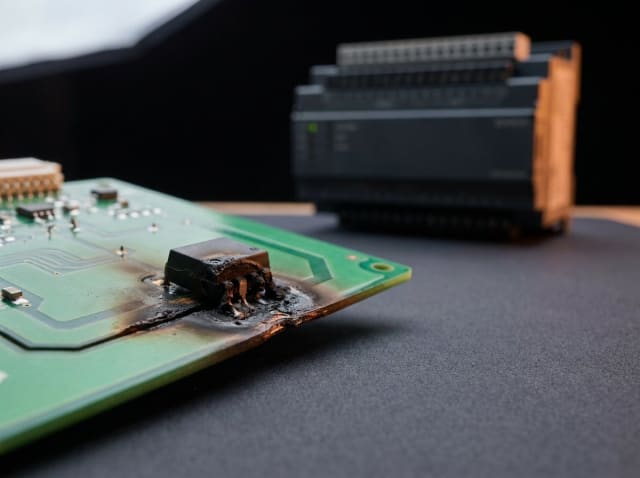
Not every device can be repaired
Sometimes restoration is not possible: the chip is discontinued and no spare can be sourced, no donor board is available, the board is severely damaged by fire or liquid, or earlier repair attempts have left it beyond recovery. In such cases we explain the situation plainly and, where possible, suggest an alternative.
When an industrial controller fails, the whole production line usually stops with it, so the first question is how long recovery will take. On PLCs, HMI operator panels and panel PCs we work at component level: instead of swapping the module whole, we restore the burnt I/O channel, the power stage or the communication driver.
We have experience with Siemens, Delta, Schneider, Omron, Allen-Bradley and Mitsubishi boards — the work is circuit board repair, not module replacement. Typical cases: the controller will not start, Modbus or RS-485 communication drops out, the HMI screen does not respond to touch. The electronics of CNC machines also fall under this area.
In this group the I/O side is the most common source of trouble: an overvoltage or a miswire from the field burns a channel. Second place goes to the communication driver — a surge on the RS-485 line takes out the driver chip. In both cases replacing the whole module is unnecessary.
Devices we repair
Common faults we repair
- The control unit has failed and will not start
- Loss of communication (Modbus, RS-485, Profibus, Profinet)
- An I/O channel sees no signal
- An analogue input reads the wrong value
- Burn damage in the power section, capacitor trouble
- The HMI touch screen does not respond
- The HMI screen has washed out or the backlight is dead
- The operator panel starts but the project will not load
- The controller restarts itself periodically
- The memory battery is flat and the program is lost
- The CNC machine control unit reports a fault
- Relay outputs will not switch, the contacts are burnt
Typical causes of failure
- An I/O channel burnt by overvoltage from the field
- Capacitors drying out in the power section
- Failure of the RS-485 / Profibus driver chip
- The HMI touch panel ribbon losing contact
- A flat memory battery and a lost program
- Leakage paths across the board from dust and humidity
- Miswiring or a lost phase in the field cable
- Surges and static discharge from an earthing problem
Brands and platforms we work with
How the repair works
- 01
Enquiry and first contact
Tell us about the fault on WhatsApp or Telegram. We review what you send and let you know whether the device fits the work we take on.
- 02
Acceptance and diagnostics
If we can take the device on, we confirm it in advance — do not ship it before you have our confirmation. Once it reaches the lab, diagnostics are completed within 48 hours (two working days).
- 03
Estimate and approval
You receive a report covering the cause of the fault, the estimated cost, spare-part availability and the timeline. Work begins only after you approve it.
- 04
Testing and handover
After the repair the device runs a minimum 24-hour load test. Once it proves stable in normal operation, we report the result and hand it over.
Diagnostics and pricing
Diagnostics is paid work — 10–50 AZN depending on the complexity of the board. If you have us carry out the repair, that amount is deducted from the final price. An exact repair price is given only after diagnostics and is agreed with you before any work starts.
More about the diagnostic feeFrequently asked questions
Other repair areas
Request a repair
Message us on WhatsApp or Telegram with the BRAND and MODEL of the device and describe the fault in as much detail as you can. A VIDEO helps most: record the fault and explain in your own words what happens. Also send clear photos of the device and, if accessible, of the circuit board from several angles. The more detail you provide, the faster and more accurate our answer.